Server CPU analysis
The prepared image is analyzed on the server so results are less dependent on the user device.
AI face golden ratio calculator for facial symmetry, thirds, and midface ratio
Check facial proportions from a photo with server CPU analysis, no account required, and clear entertainment-only boundaries.
Upload a front-facing photo
JPG, JPEG, PNG, or WebP up to 10MB
Upload a front-facing photo
Your photo is used only for the current analysis request and is not saved.
See proportion and balance cues without registration or a long setup.
Results are aesthetic references, not medical or cosmetic advice.
The prepared image is analyzed on the server so results are less dependent on the user device.
Start with a photo only. No account or profile is needed.
Use JPG, JPEG, PNG, or WebP photos up to 10MB.
Use the result for curiosity, selfies, and creative reference.
GoldenFace
GoldenFace explains what it checks, how server photo handling works, and why the result should stay a relaxed visual reference.
Visual guide
Use these visual examples before uploading. A clear front-facing photo helps the detector read landmarks, while angle, blur, or covered features can make the result less stable.
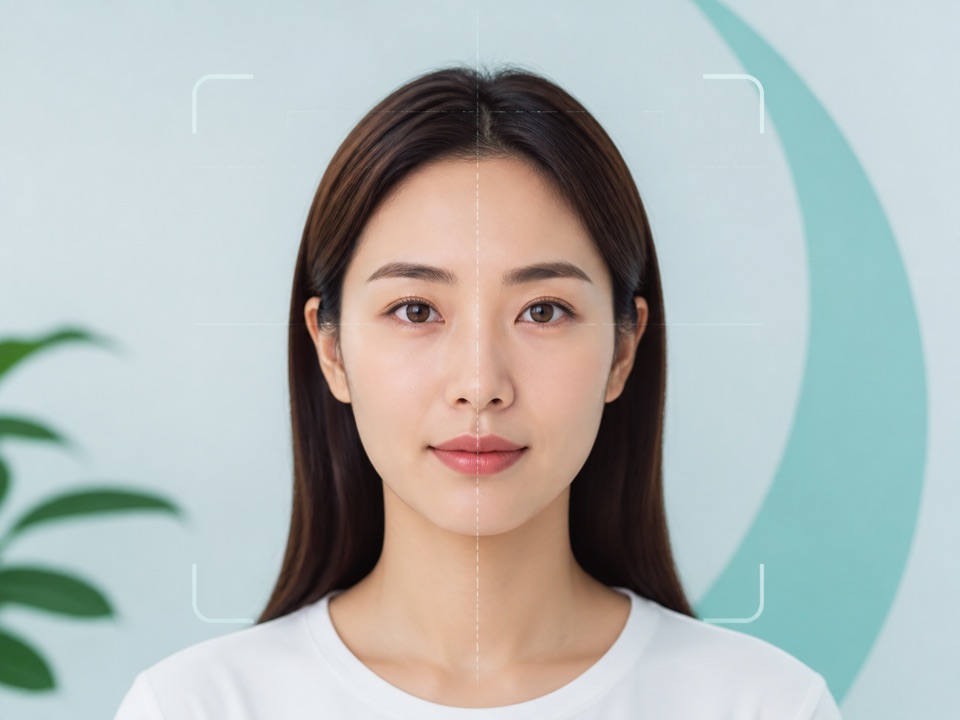
Recommended upload
This kind of image gives the landmark detector the best chance to compare symmetry, thirds, spacing, and ratio cues.
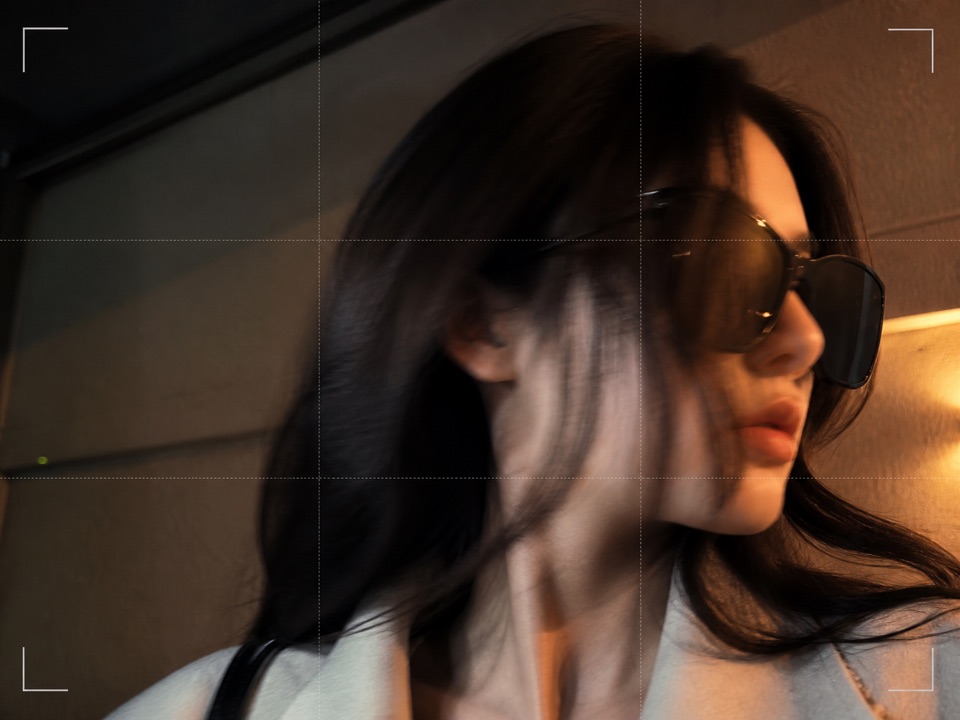
Avoid this upload
If key points are hidden or distorted, GoldenFace can still try, but the score and metric notes may be less reliable.
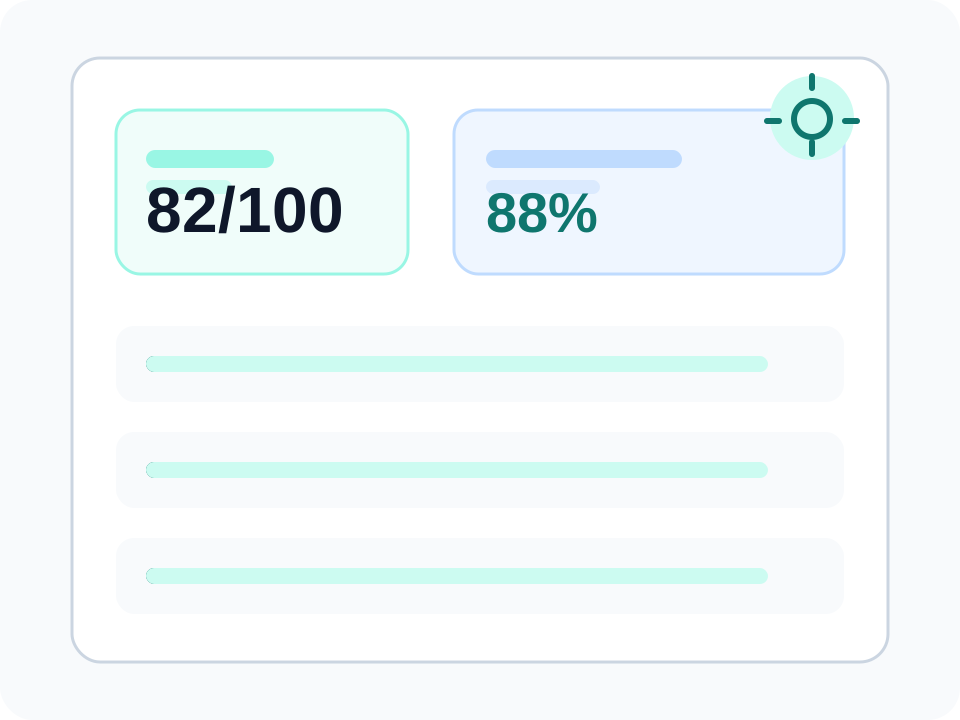
Visual guide
Sample value · What the report highlights · Detection confidence
Choose a face photo and move straight into a server analysis flow.
Explore proportion, symmetry, and balance signals in plain language.
No sign-up, no account profile, and no long questionnaire before starting.
GoldenFace now covers the main tool intents in one site: face rating, face analysis, golden ratio calculator, facial thirds, and the fast-growing midface ratio topic.
Upload a portrait to check face score, beauty ratio cues, golden ratio match, and harmony notes.
Open toolExplore facial landmarks, symmetry, thirds, fifths, midface ratio, and proportion notes.
Open toolUpload a face photo to calculate golden ratio score, face ratio, facial thirds, midface ratio, and harmony notes.
Open toolMeasure upper, middle, and lower facial thirds from a photo with balance tips.
Open toolMeasure midface ratio from manual values or a portrait photo, with camera-angle caveats.
Open toolCheck facial harmony signals from symmetry, thirds, spacing, and golden ratio references.
Open toolUpload a portrait to review left-right facial symmetry and photo reliability notes.
Open toolThe selected image is uploaded only for CPU analysis and is not saved after the request.
Golden ratio analysis compares visual relationships such as facial thirds, spacing, and symmetry. These measurements can be interesting, but they are not a universal beauty standard.
1:1.618
3
5
The browser checks that the file is a supported image and can be decoded.
The analysis flow uses facial reference points to estimate visible proportions.
Distances and ratios are converted into readable balance and harmony indicators.
The result focuses on understandable notes instead of professional diagnosis.
Use a front-facing photo with the head held straight.
Avoid harsh shadows, strong backlight, and heavy filters.
Remove sunglasses, masks, hair cover, or objects blocking facial landmarks.
Single-person photos make it easier to analyze the intended face.
Yes. The prepared image is sent to the GoldenFace server for CPU landmark analysis. It is not stored after the request and is not used for face identification.
Accuracy depends on photo quality, angle, expression, lighting, and whether landmarks are visible. Treat the result as a casual reference.
No. GoldenFace does not provide medical, cosmetic, surgical, diagnostic, or professional advice.
Some detailed result sections may use rewarded ads. Free summary results should remain available even if an ad fails.
Results are for entertainment and aesthetic reference only. They are not medical, cosmetic surgery, or professional diagnosis advice, and photo quality, angle, expression, and lighting can affect the output.